
Can I whitelist an entire country or ISP?
Yes.
MIDA allows you to whitelist visitors based on conditions such as Country or ISP.
To create a Country or ISP Whitelist:
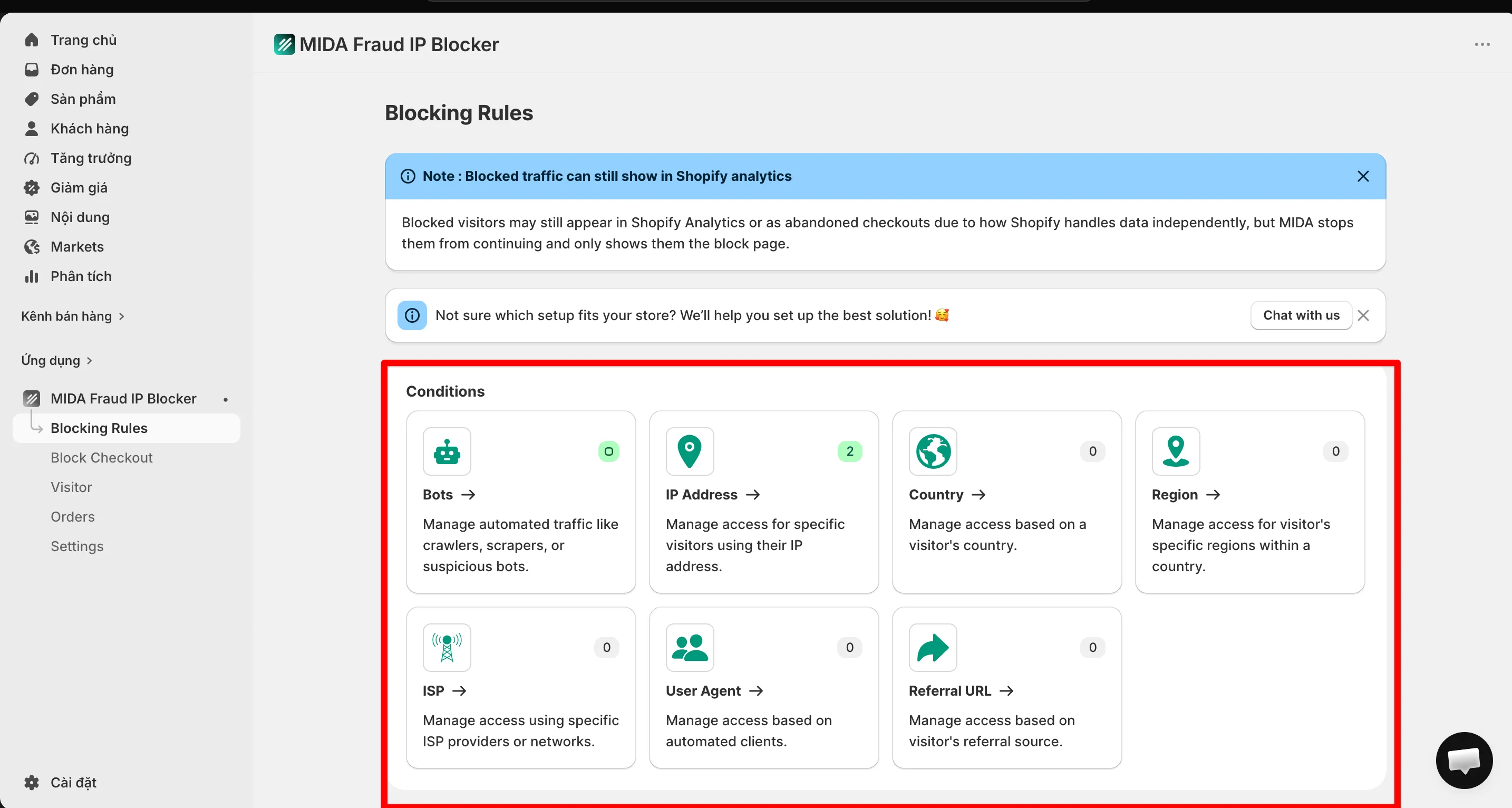
- Go to Blocking Rules.
- Select the condition you want to use (such as Country or ISP).
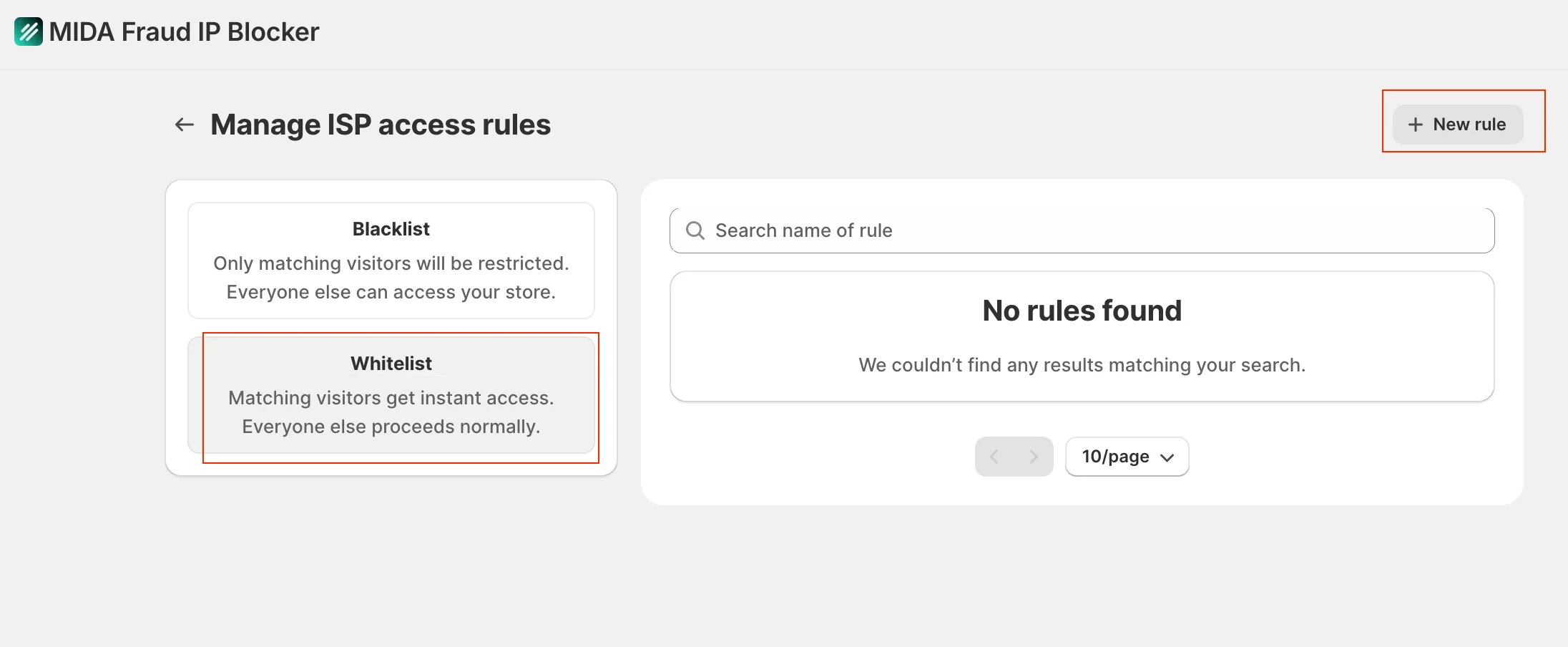
- Click New Rule.
- Choose Whitelist as the rule type.
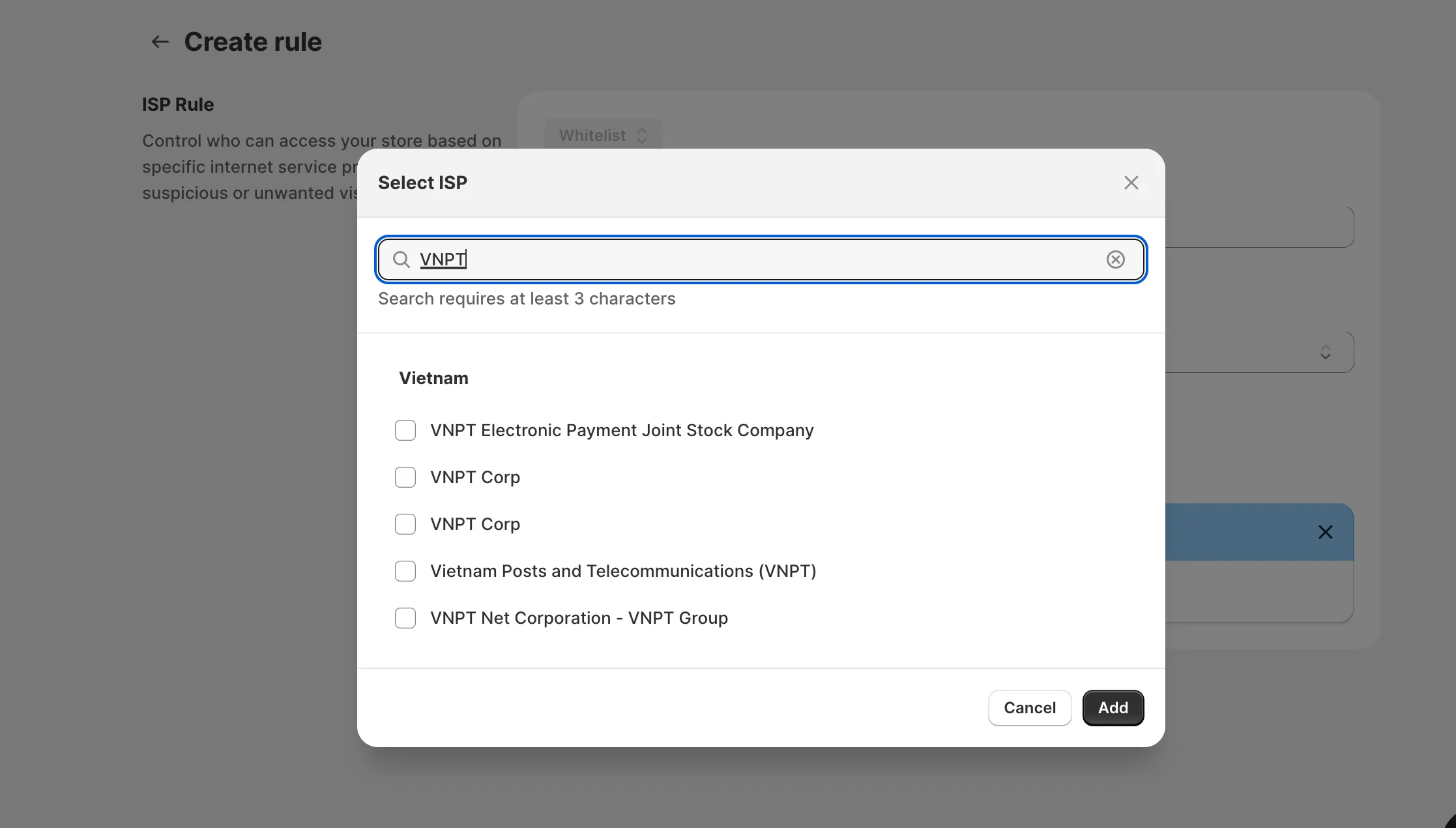
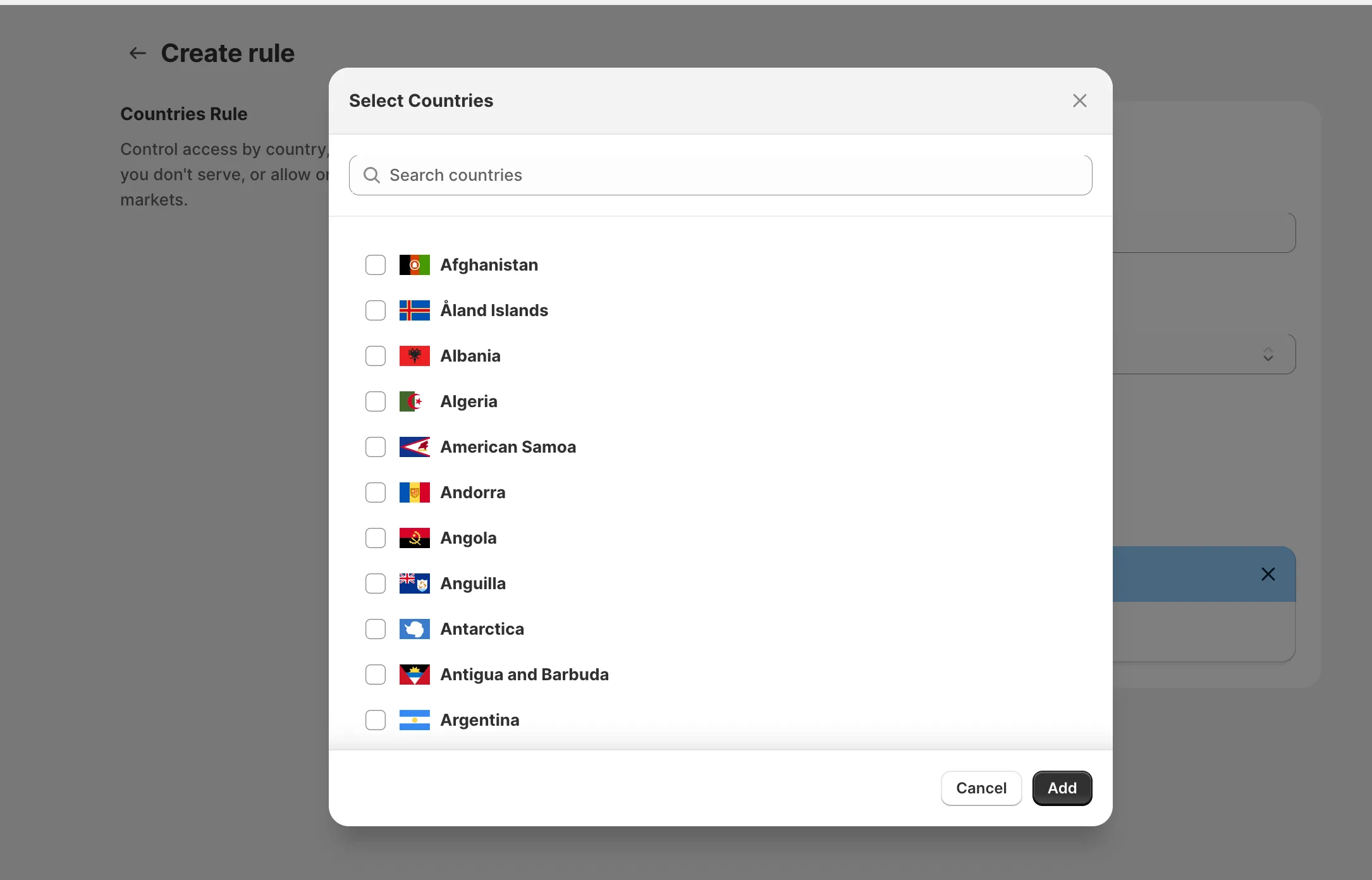
- Select the country or ISP you want to allow.
- Click Save.
Once the rule is enabled, all visitors matching the selected country or ISP will automatically be allowed to access your store.
If you have any questions, feel free to contact us via Crisp Chat or email us at [email protected].