
Whitelist & Blacklist Rules
1. What is a Rule?
Section titled “1. What is a Rule?”A rule is made up of three parts:
- Conditions – What to check (IP, country, region, ISP, user agent, referral URL).
- Scope – Where to apply (Global, URL-specific).
- Action – What happens if the conditions match (Allow, Block, Redirect).
Whitelist and Blacklist rules allow you to control who can access your Shopify store by defining trusted or restricted visitors based on conditions such as IP address, country, email, phone number, or other customer information.
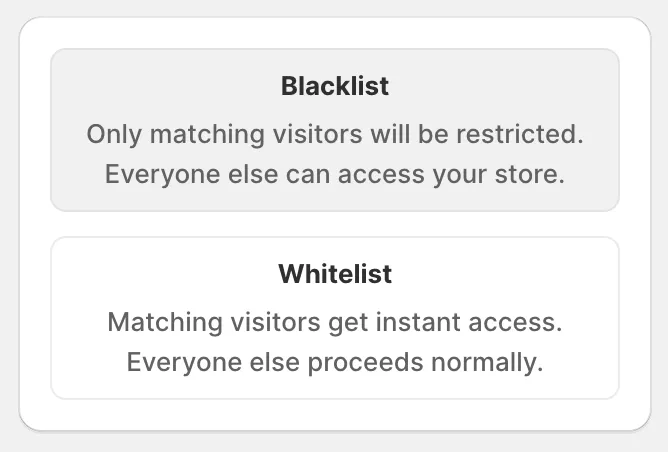
Blacklist
Section titled “Blacklist”A Blacklist rule blocks or restricts visitors who match the conditions you configure.
Visitors that do not match the rule can continue browsing your store normally.
Example
Section titled “Example”- Add 192.168.1.1 to the Blacklist → Only visitors using this IP address will be blocked.
- Block a specific email address → Customers using that email will not be able to access your store.
Use Blacklist rules to prevent known fraudulent visitors, abusive users, or unwanted traffic from reaching your storefront.
Whitelist
Section titled “Whitelist”A Whitelist rule explicitly allows trusted visitors to access your store.
Visitors who match a Whitelist rule bypass other protection rules and are always allowed to continue.
Example
Section titled “Example”- Add [email protected] to the Whitelist → This customer will always be allowed to access your store, even if other protection rules would normally block them.
Whitelist rules are recommended for:
- Trusted customers
- Business partners
- Internal team members
- Testing accounts
If you have any questions, feel free to contact us via Crisp Chat or email us at [email protected].