
Protecting Storefront Content
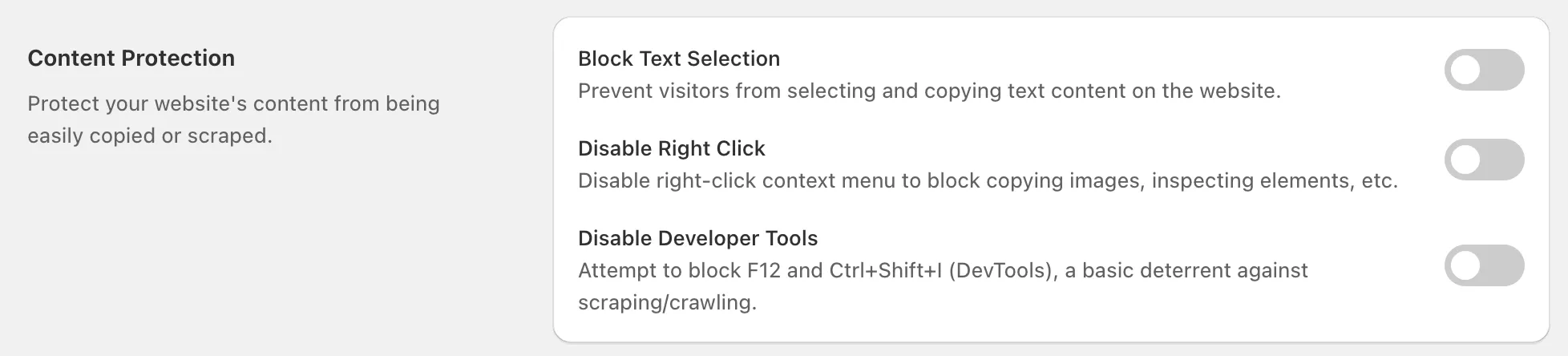
1. Block Text Selection
Section titled “1. Block Text Selection”- What it does: Prevents visitors from selecting and copying text on your website.
- Use case: Protect product descriptions, blog articles, FAQs, or pricing from being scraped by competitors or bots.
- Tip: Best for stores with valuable written content (e.g., detailed product specs, premium guides).
2. Disable Right Click
Section titled “2. Disable Right Click”- What it does: Disables the right-click context menu in browsers.
- Use case: Prevents easy downloading of product images, blocking “Save Image As” or “Inspect Element.”
- Tip: Combine with Block Text Selection for stronger content protection.
3. Disable Developer Tools
Section titled “3. Disable Developer Tools”- What it does: Attempts to block access to browser developer tools (F12 or Ctrl+Shift+I).
- Purpose: Adds a basic deterrent against scraping or crawling by less advanced users.
- Note: Skilled users may bypass this, but it stops casual attempts.
Best Practices
Section titled “Best Practices”- Remember: These features are deterrents, not absolute blockers - advanced attackers may still scrape via other methods.
- Combine with Rule Management (IP/Geo/ISP blocking) to stop suspicious visitors before they reach your site.
- Always test after enabling to ensure the customer experience isn’t negatively impacted.
If you have any questions, feel free to contact us via Crisp Chat or email us at [email protected].